 Back Nine📺 TV screen
Back Nine
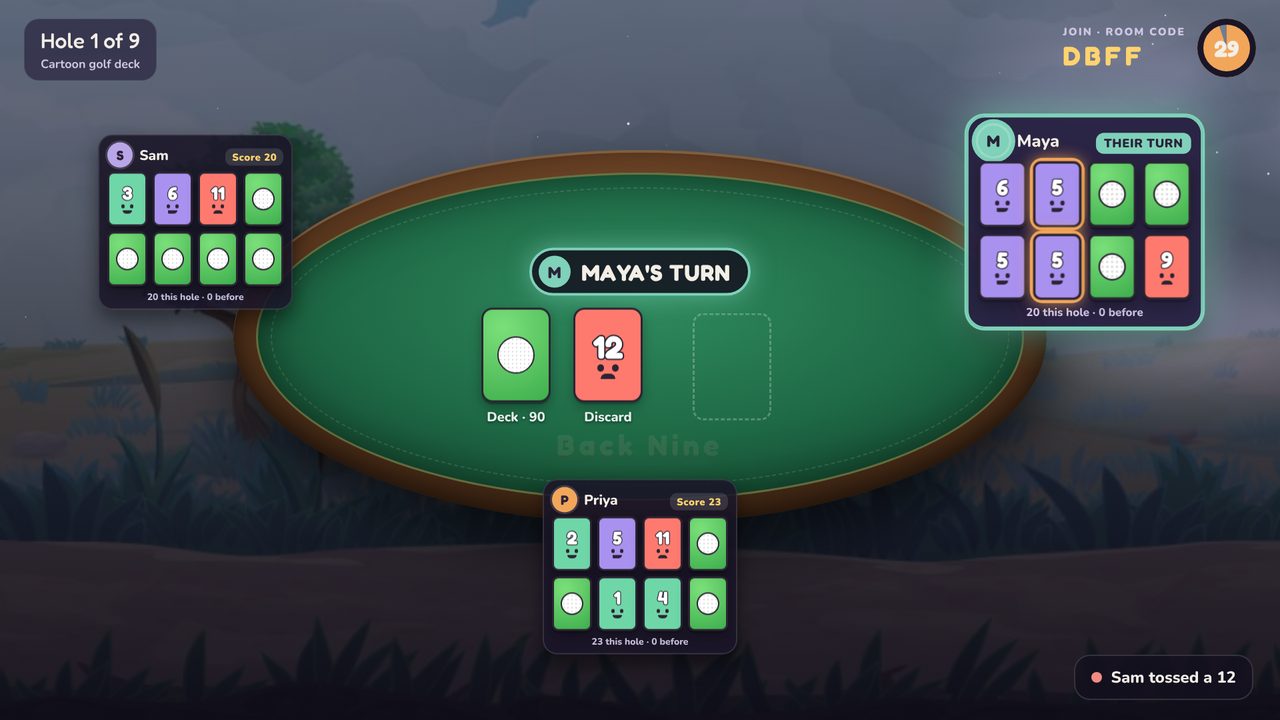
Golf, but with cards. A quick party game for 2 to 8 players: everyone plays on their own phone, the TV shows the table, and Chip the narrator keeps score. Lowest score after nine holes wins.
Got a 4-letter code from a friend or the TV? Type it here, or just scan the QR code.
How to play
Start a room
One person taps Play, then Create game. Friends scan the QR code or type the 4-letter code.
Flip two
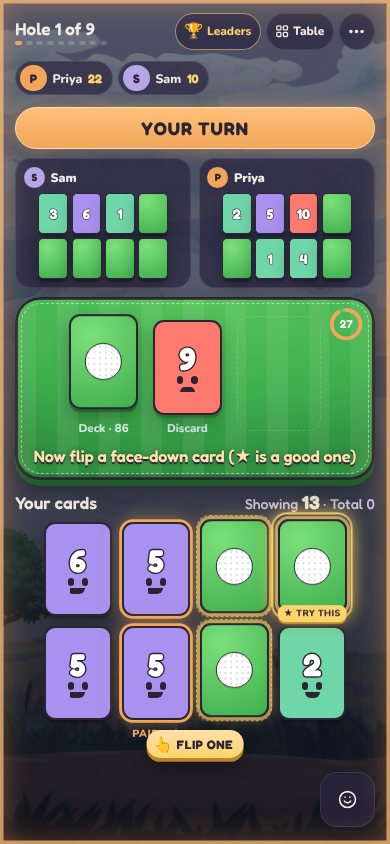
You get eight face-down cards. Flip any two to start. Low numbers are good.
Draw and swap
Take the deck or the discard, swap it onto one of your cards, or toss it. Matching pairs in a column score zero.
Nine holes
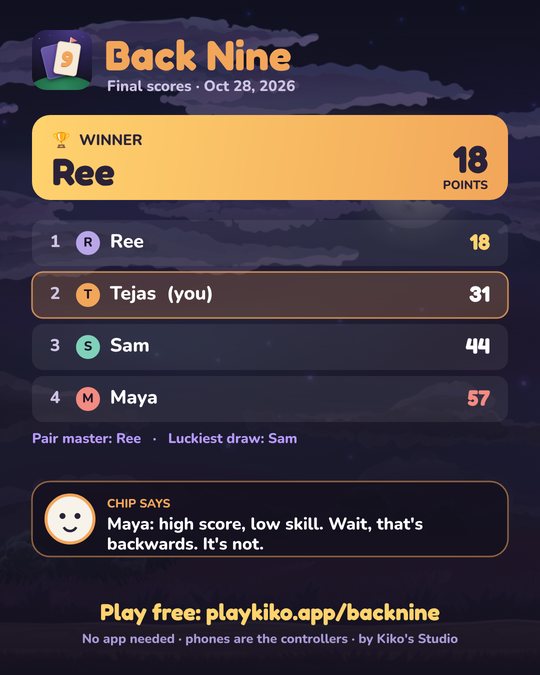
When someone flips all eight, everyone gets one last turn. Lowest total after nine holes wins.
Special cards like Swap Shot, Sand Trap and Mulligan shake things up. Chip explains each one the first time it shows up, so nobody has to read the rules.
Play it on a TV
Any smart TV, laptop or tablet: open playkiko.app/backnine/tv in its browser, or mirror a phone or computer to it. The TV shows the code and QR code, and plays the music and Chip's voice.
Google TV / Android TV app: install Downloader from the Play Store and enter code 6117856, or download BackNineTV.apk.
Safe and simple
No accountsNo adsNothing to installFamily mode
Players only type a nickname. No sign-ups, no chat, nothing personal collected. The host can switch on Family mode so Chip keeps it kind for little ones. Privacy details.